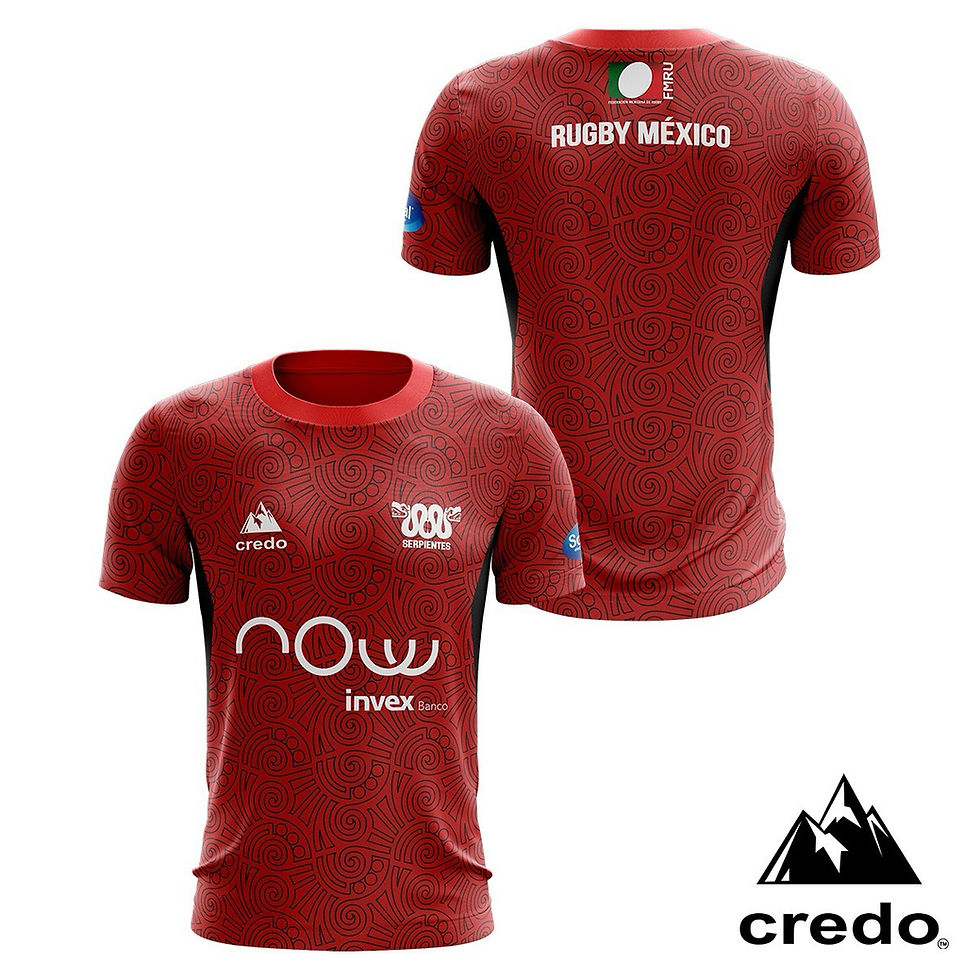
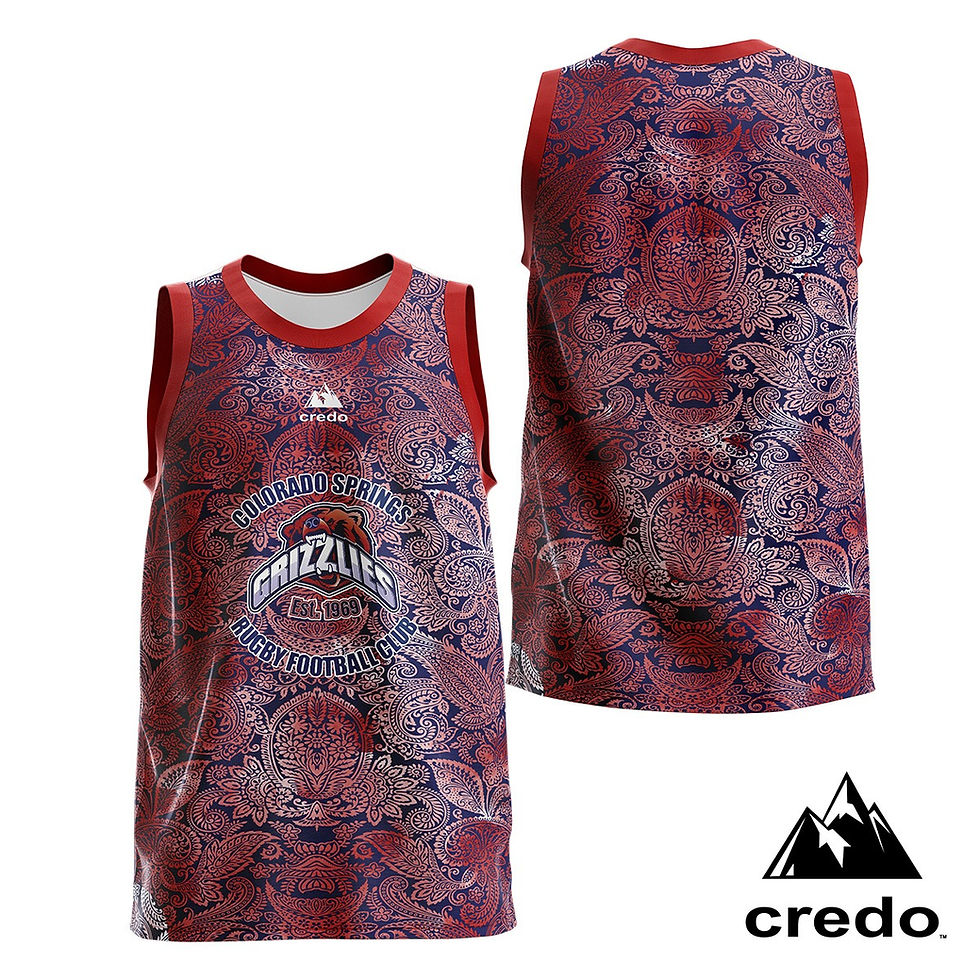
How to Use Custom⚡ze:
AI Powered 3D Kit Builder
Getting started is quick and easy!
Select your products: Choose the items you want to design from our product catalog.
Wait for the Custom⚡ze button: After a few seconds, the Add to Cart button will automatically change to Custom⚡ze.
Start designing: Click on Products and begin customizing your gear using our pre-designed templates.
Design and upload your own artwork:
For best results, upload high-resolution artwork designed for full-coverage sublimation printing. Files should be at least 300 DPI (width × height) at print size, with a minimum resolution of ~3200 × 3100 px to ensure sharp detail across the entire jersey. Use solid HEX color fills or clearly separated colors, avoid transparency, and keep artwork flattened to prevent printing inconsistencies.
Ignore the “Buy Now” button: This button is not used for custom designs — just click Custom⚡ze to launch the design tool.
Once your design is ready, proceed to checkout and contact our sales team to finalize your purchase.Checkout and complete your order: Make sure to include your design submission order number when reaching out to ensure a smooth and accurate process.